
Minnesota (MN) - How to Make Tax Payments
-
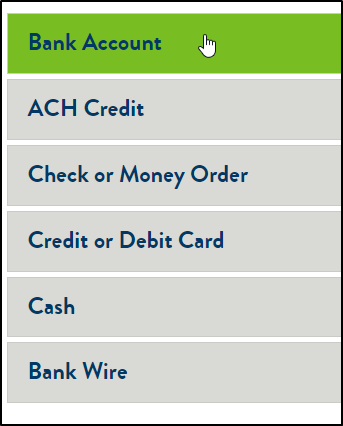
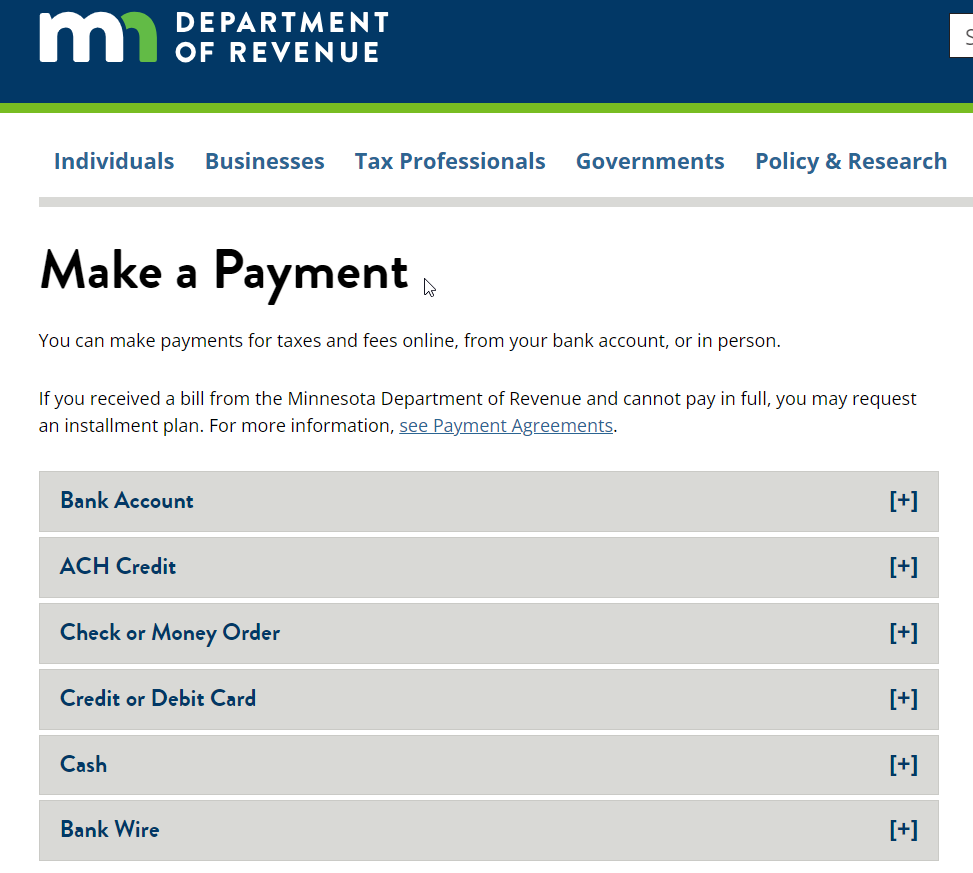
2Choose Payment Option From the Following
-
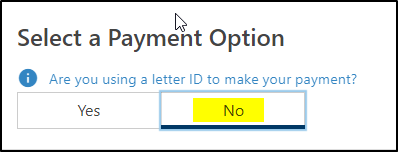
3Select a Payment OptionSelect No if you don't have a letter ID
-
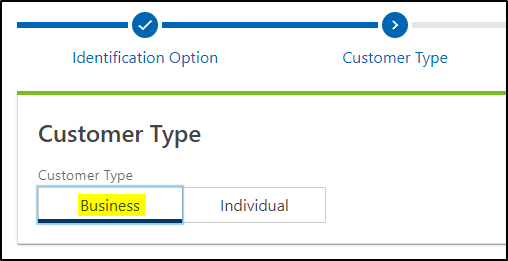
4Choose Business for Customer Type
-
5Enter Customer InformationChoose Tax Type - S Corp Tax
Enter your MN Tax ID
Enter your email address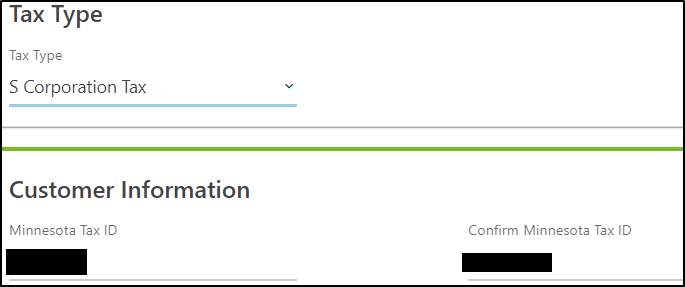
-
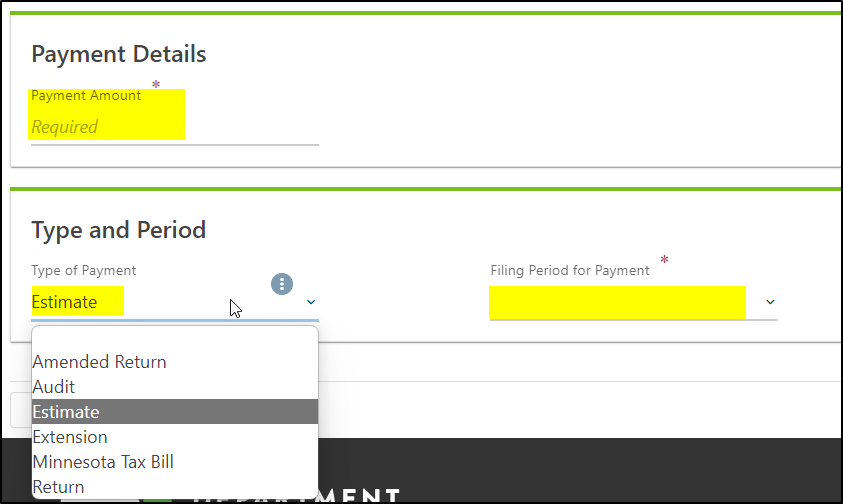
6Enter Payment Details
- Enter Payment Details
- Choose Type
- Choose Correct Filing Period
-
7Send a Copy of the Receipt/Verification Once Paid to Your CFO Advisor
If you still have a question, we’re here to help. Contact us