
ERISA Plan Participant Certificates
Once year-end administration is completed, the Third Party Administrator provides the individual participant certificates. PracticeCFO uploads the participant certificates to your secure NetLink portal. As the plan sponsor, you must distribute the participant certificates and summary annual report to each employee.
If you have trouble locating the documents using the instructions below, please reach out to our investment department at retirement@practicecfo.com
If you have trouble locating the documents using the instructions below, please reach out to our investment department at retirement@practicecfo.com
-
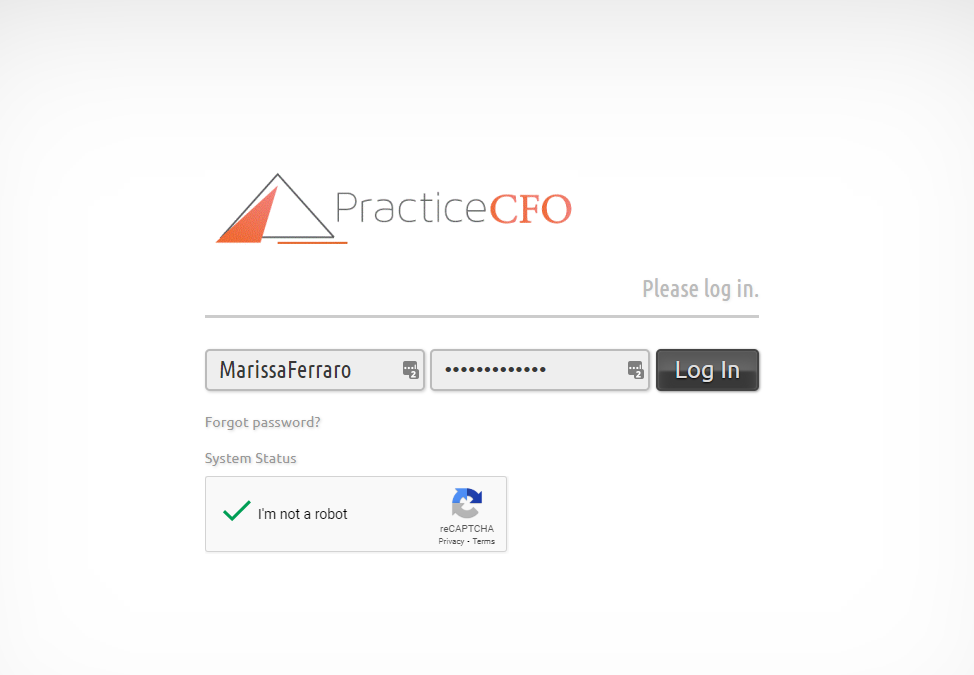
2Log in to your PracticeCFO portal. You will need your multifactor authentication device.
-
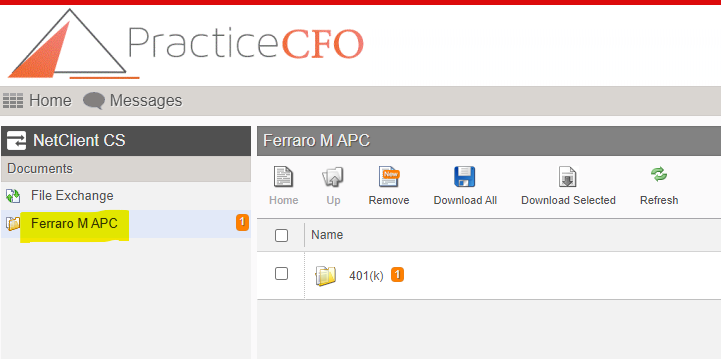
3Select corporation name to the left of your screen.
-
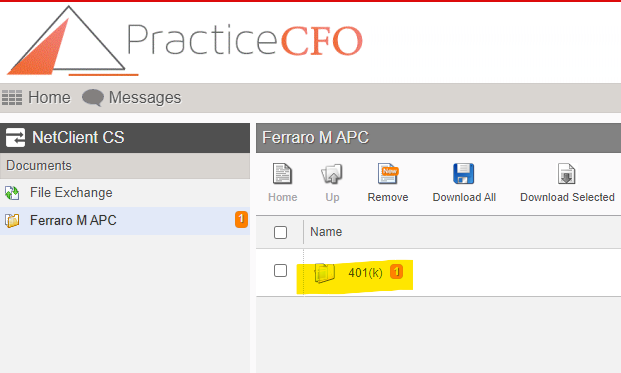
4Select the "401(k)" subfolder.
-
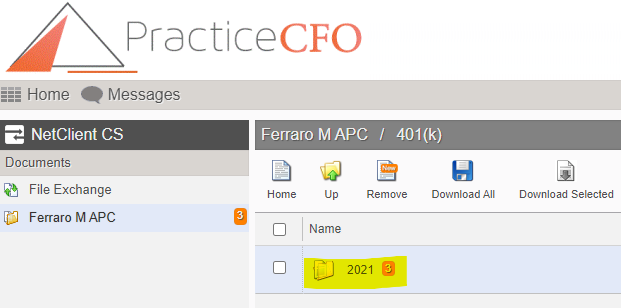
5Select the applicable year.
-
6Select the "Participant Certificates" and "Participant Notice". The notice is the Summary Annual Report (SAR).
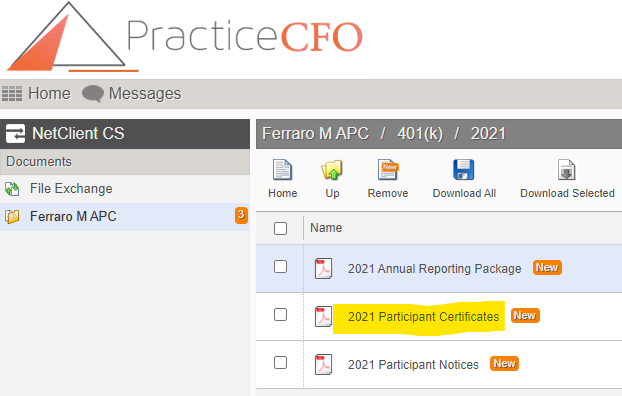
-
7Distribute the certificates and notice to your employees.
If you still have a question, we’re here to help. Contact us