
How to Set-Up Your Account with California Department of Tax and Fee Administration (CDTFA)
The following outlines the step-by-step process required to register a new account for a use tax client in the state of California. This process is designed to ensure that all necessary information is accurately submitted to comply with state regulations.
-
1Register for a Use Tax Account
1. Begin by registering for a use tax account. This will allow you to file returns and make payments.
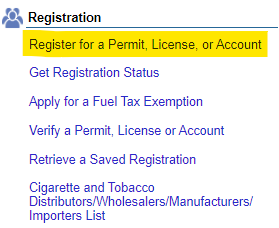
2. Access CDTFA Online Services:- Go online to CDTFA Online Services.
- Click on "Register for a Permit, License, or Account."
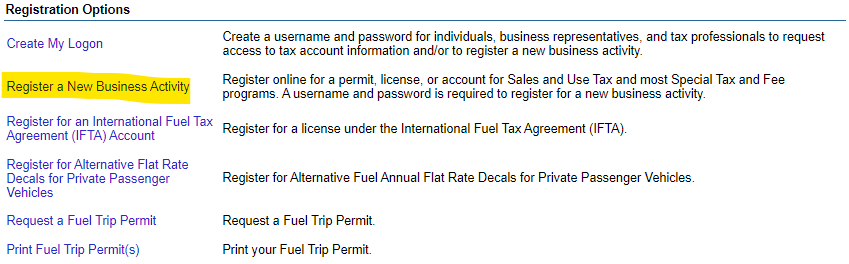
- Click on "Register New Business Ativity"
-
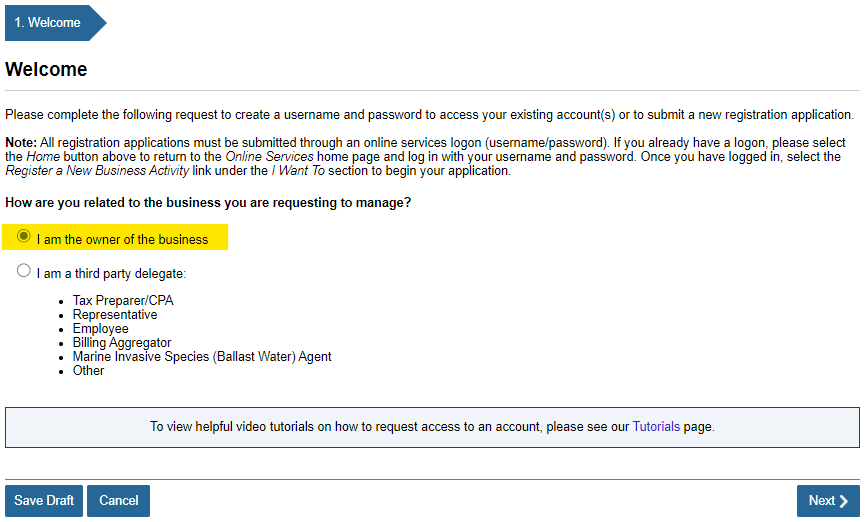
2Answer Business and Activity QuestionsComplete all applicable questions regarding your business and its activities.
-
3Create Login and Request Access1. Once you've registered and received your limited access code and account number, create your own login.
2.Use the code to request access to your company's profile. This will enable you to manage future returns and maintain the account.
3. A letter containing the access code will be mailed to the company. You can use this code to gain access to the company’s profile.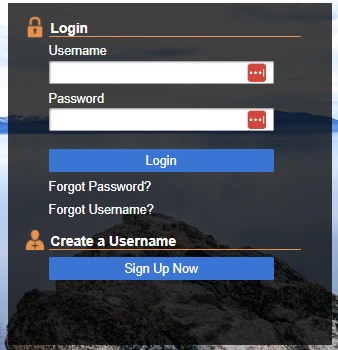
-
4File and Make Payment
- Finally, ensure that you file your returns on time
- To learn how to make the payment click the following link: How to make CDTFA payment online
If you still have a question, we’re here to help. Contact us