
Time and Attendance - How Can I Set Up Kiosk in My Office?
-
1
-
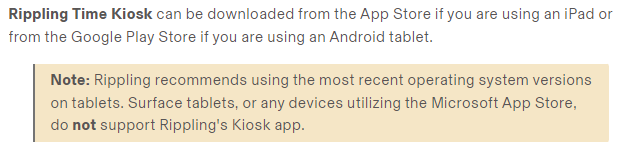
2Installing the Rippling Time Clock app
-
3Register the Rippling Time Clock app on your tablet
- Open the Rippling Time Clock app on your tablet.
- On your computer, open a web browser and log in to your Rippling administrator account. Go to the Time & Attendance app > Kiosks tab.
- Click Kiosk login.
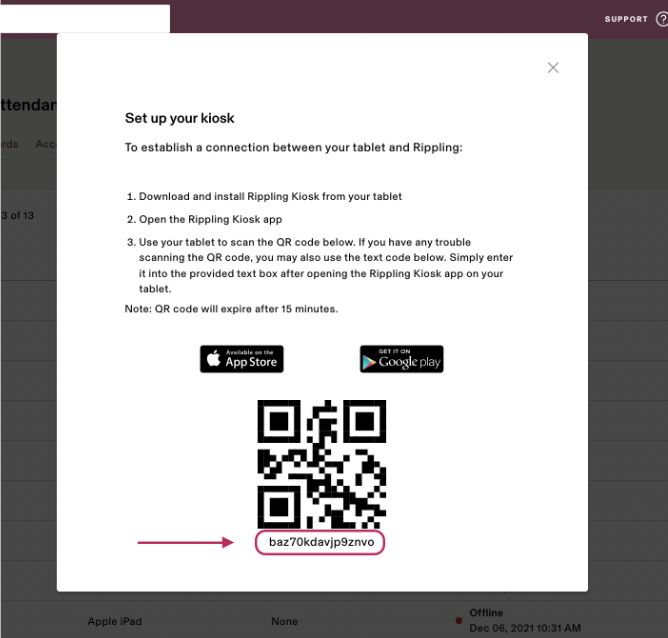
- Scan the QR code that's shown on the screen using your tablet device.
- Alternatively, you can also type the alphanumeric Keyboard Code located directly below the QR code into your tablet to log in.
6. Now your tablet is ready for employees to clock in, clock out, and take meal breaks!
If you still have a question, we’re here to help. Contact us