
How to Invite My Broker to Set Up Benefits?
-
13 Steps to Give Your Broker Access to Your AccountYour broker may offer the service of configuring the Rippling benefits administration platform (i.e., the Benefits Admin app) on your behalf. Before they can do so, you'll need to complete the following steps to give them access to your account.
- Search for the Rippling Benefits Admin app in the app shop.
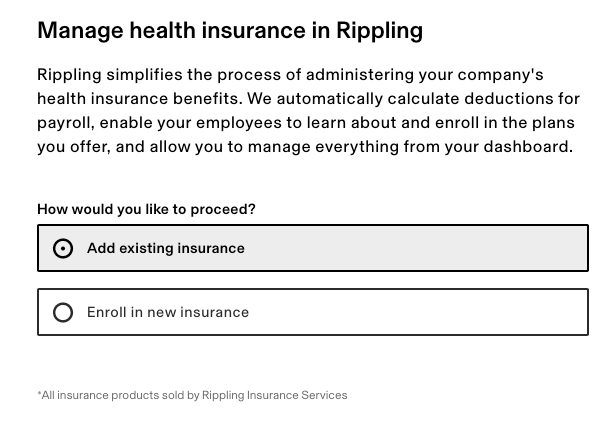
- Choose whether you are transferring existing plans or adding new plans. If you are unsure, we recommend consulting with your broker.
- On the following page, enter your broker's email address.
That's it! Your broker will receive an invitation email with a unique link to log into their Rippling broker account with your company. They will have a special type of admin profile that allows them to set up and manage Insurance for you.Sign in to your Rippling Account to access the following: Please make sure to provide your broker with our Broker Toolkit!
If you still have a question, we’re here to help. Contact us